Helping users find their fit with a phone scan
Making it easier to prepare, follow the scan and understand the results.
Role
Timeline
Platform
Context
Body Scan captured users’ measurements with a phone and supported size recommendations across Verifyt’s app and partner experiences.
For first-time users, there was a lot to follow. They had to prepare their space, position their phone and complete unfamiliar poses while standing away from the screen. The original journey took about four minutes, including setup guidance, a required tutorial and four scan poses.
I focused on simplifying preparation, making instructions easier to follow during scanning and helping users understand what was happening while they waited for their measurements.
How might we simplify body scanning and make users feel at ease, from prep to results?
Experience
Prepare > Follow along > Complete two poses > View your measurements.
The journey takes approximately 30 seconds from tapping “Start scan” to the start of result generation.
A scan that stays useful afterwards
Scan data also supported discovery and shopping. Users could find creators with similar proportions, compare body measurements, and explore their outfits. For onboarded brands, product pages used the scan to recommend a size, since sizing differed between brands.
01
Body-match %
Find creators with similar measurements and explore their outfits.
02
Body comparison
Compare measurements with a creator for more context on how an outfit might look.
03
Size recommendation
Get a recommended size for supported brands based on scan measurements.
Key decisions
01
Make the scan easier to follow

The original tutorial explained the full scan sequence, duplicating the short demonstrations shown before each pose.
In September 2022, we shortened the introduction to focus on positioning the phone on the floor. Pose guidance remained within the scan, so users no longer had to remember every step upfront.
In September 2023, we added countdowns to these demonstrations to give users time to prepare.
In December 2023, we replaced them with a “follow me” guide that users could mirror during scanning, supported by audio instructions.
In March 2023, we replaced the clothing and environment guidelines with visual do’s and don’ts. By September, we combined them on one page, reducing the screens users needed to go through before scanning.
The scan sequence also became shorter: four poses became three, then two. The research team established that the required data could be captured with fewer poses, and we adapted the journey around those requirements.
In August 2022, we introduced a wave gesture so users could request help and repeat a step without reaching for their phone.
However, users did not always know how to use it, and the system struggled to distinguish waving from normal scan movements. Some waves went unrecognised, while other movements triggered help by mistake. Users then had to return to their phone and restart the scan.
We removed the gesture because it made getting through the scan more frustrating.
02
Keep users informed while results are generated
Initially, completing a scan took users to the Measurements screen, where they waited for their results to load. They could explore elsewhere, but had to find their way back to check whether the measurements were ready.
The next iteration took users to Inspiration instead. A notification banner appeared when processing finished, giving them a direct route to their measurements.
This allowed users to browse while waiting, but created a gap in feedback. They moved straight from scanning to Inspiration with no ongoing indication that their results were still being generated.
*Proposed · Not shipped
I explored a persistent indicator that would show measurement progress as users browsed elsewhere in the app. It would make the wait clear and give users a direct route to their results when they were ready.
03
Change how users see their body

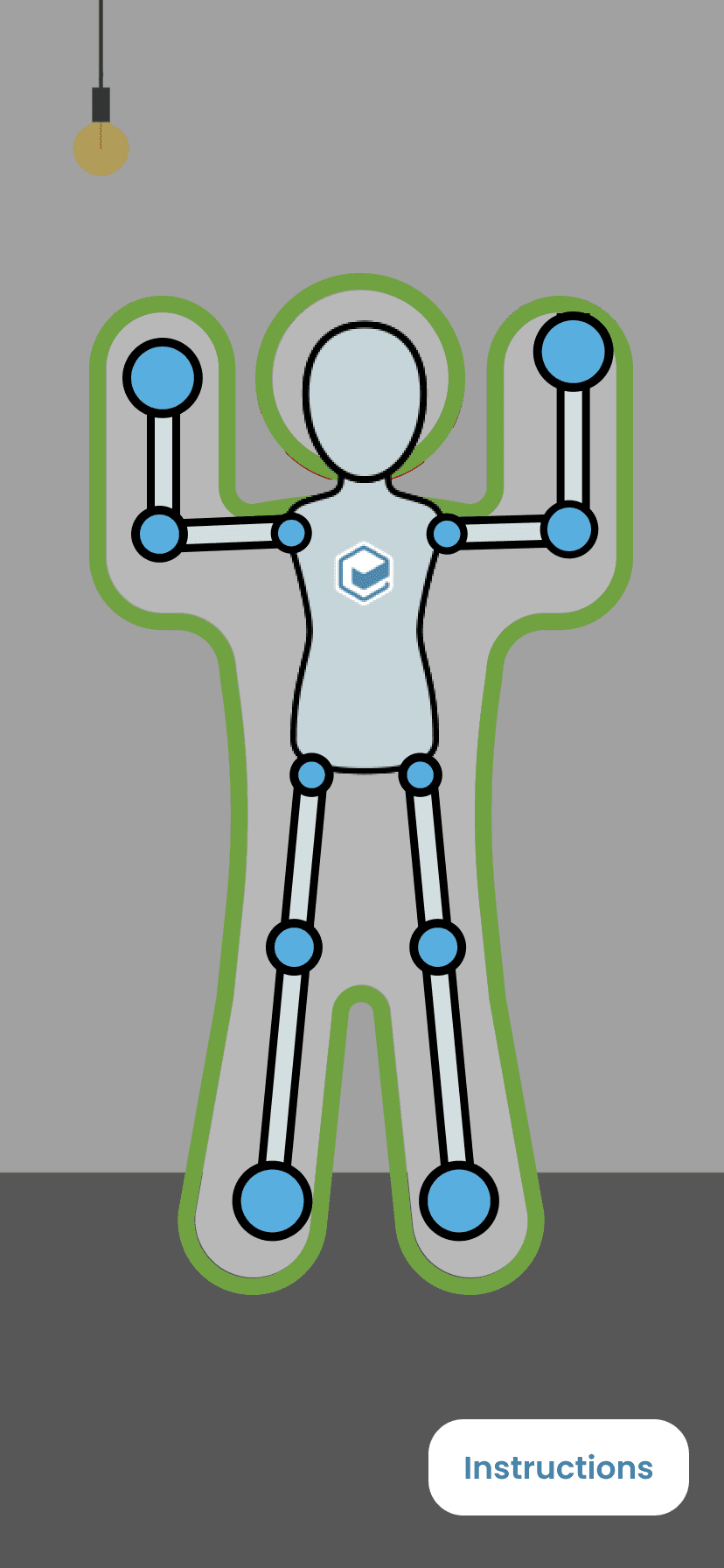
The original scan showed users a live image of themselves. Privacy concerns prompted us to reconsider what needed to appear on screen.
By December 2023, users saw an on-screen representation of their position during scanning. The tutorial character demonstrated the movement, while the body outline provided feedback on their own pose.
Survey feedback suggested that users preferred seeing an outline instead of a live camera view. However, the outline made it harder to judge their pose, so we still needed to make positioning clearer.
When I joined, the Measurements screen displayed the person’s actual scanned body shape. Technical limitations meant the model did not include the head, arms or feet, and some users felt uncomfortable seeing the representation.
Around March 2022, we added a toggle so users could choose whether to display their actual body shape.
In 2024, we replaced it with a standard 3D model for everyone.


Impact
The updated journey combined setup tips, replaced separate pose demonstrations with guidance during scanning and reduced the required poses from four to two. We also changed how users saw their body during the scan and in their results.
87%
scan completion
282 of 325 users who started a scan completed it.
From tapping “Start scan” to the start of measurement processing. Excludes processing time.
4 → 2
poses
Fewer movements required, enabled by research improvements and incorporated into the updated scan experience.
Reflection
This project taught me to consider what users could see, hear and follow while scanning. Moving guidance into the scan meant they had less to remember. Removing wave-to-help showed me that a shortcut could create more work when it was hard to use reliably.
Next, I would test the proposed processing indicator and improve guidance for failed scans. I would also explore alternatives for people who cannot or do not want to complete the poses.


